

Filed Under: Announcements
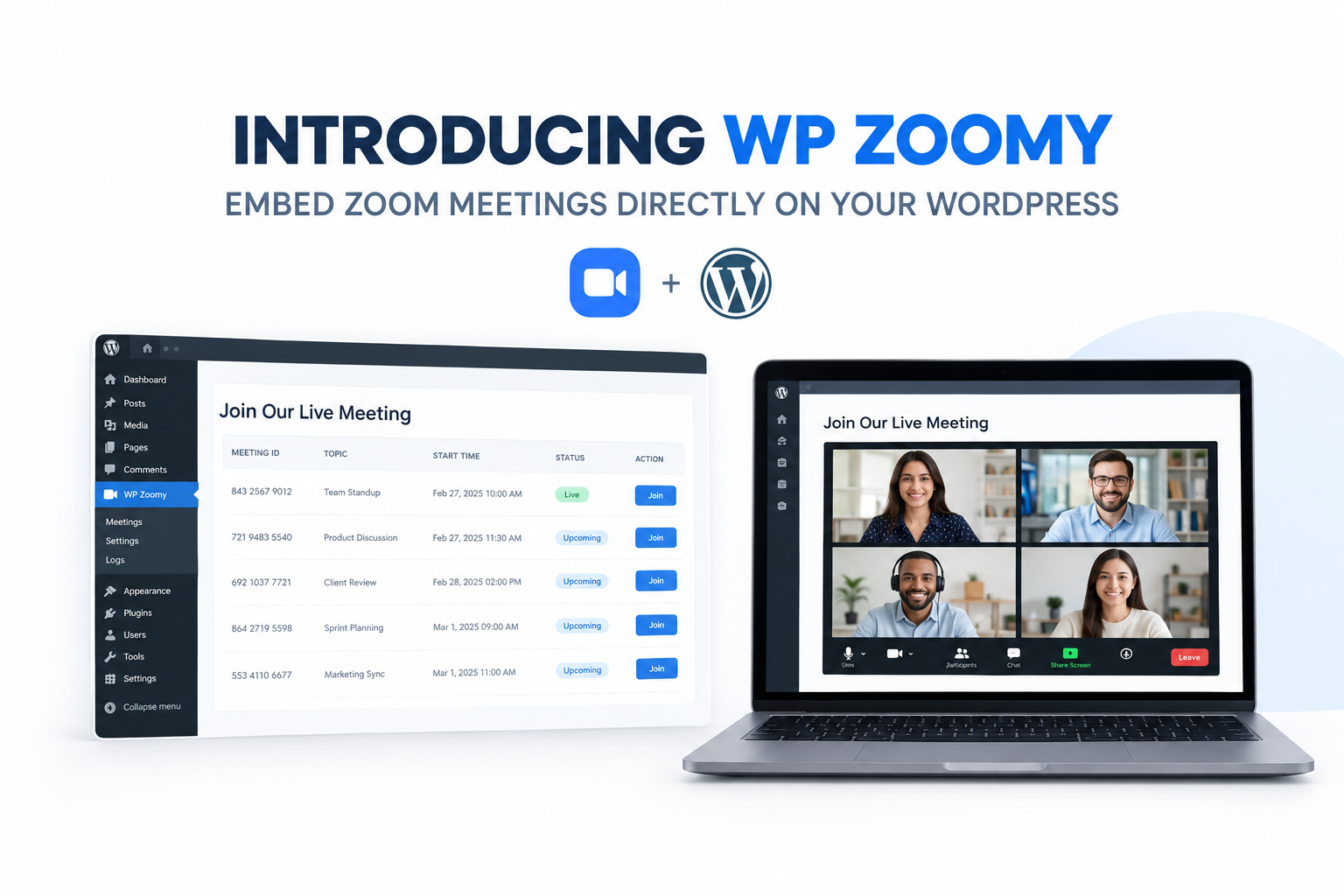
Zoomy is now fully launched. It’s a Zoom plugin for WordPress that puts your meetings, webinars and recordings on your own pages, so people can join without ever leaving your site.
Zoom on your own site
With most Zoom setups, participants get sent to zoom.us and many never come back. Zoomy keeps them on your site. Use a short-code or a Gutenberg or Elementor block to embed any Zoom meeting or webinar on any page of your WordPress site.
Your audience stays on your branded site, your learners stay inside your LMS, and your community stays on your platform from start to finish.
The meeting countdown timer is one of our favourite features. If a meeting is scheduled for later, visitors see a countdown instead of an empty page. When it reaches zero, the Join button switches on.
The Full Zoom Experience
Zoomy doesn’t cut Zoom down to make embedding work. Everything below runs inside your WordPress page:
- Lock the meeting to keep unwanted people out
- Mute, remove or invite participants at any time
- Live chat and polling
- Screen sharing for the host only, or for everyone
- Remote control requests between participants
- Closed captions
- Webinar Q&A
- Breakout rooms
- Gallery and grid view
Webinar, online class, coaching session or team call, it all works the same way on your site.
Recordings, Reports and Roles
When a meeting ends, its Zoom cloud recording shows up on the same meeting page. There’s no uploading and nothing extra to do. Visitors can also browse recordings up to a month old from that page.
As an admin, the Meeting Dashboard in WP Admin shows all your Zoom hosts and their meetings. You can check statuses and start or end meetings without opening the Zoom app.
Role-Based Access lets you choose exactly which WordPress roles or capabilities can host and join meetings.
Zoom Reports give you meeting analytics and participant data for any date range, right from your dashboard.
Getting Started
- Buy a plan from the pricing page and download the plugin ZIP.
- In wp-admin, go to Plugins > Add New > Upload Plugin, upload the ZIP and activate it.
- Go to Zoom Meetings > Settings > Configuration and enter your Zoom Client ID, Client Secret and Account ID.
- Create a meeting under Zoom Meetings > Add New, then paste its short-code into any page or block.
The docs cover each step in more detail. Both free and paid Zoom accounts work. Your Zoom plan decides how many participants can join. Zoomy adds no limit of its own.
Add-ons
The core plugin covers most needs. If you need more, there are four add-ons:
- Recurring Meetings: schedule daily, weekly or monthly meetings once from your dashboard
- Instructor Role: let instructors manage their own Zoom meetings
- Monetize Meetings: charge for access using Easy Digital Downloads
- Vimeo Recording: show Vimeo-hosted recordings instead of Zoom’s
They suit LearnDash sites, membership platforms, coaching businesses and any community that runs regular live sessions.
See plans and get started →
Leave a Reply